Slowed + Reverb
Slow down & speed up music
Coming to the App Store
Slowed + Reverb is an iPhone app that makes slowed, reverbed and sped up versions of songs you already own.
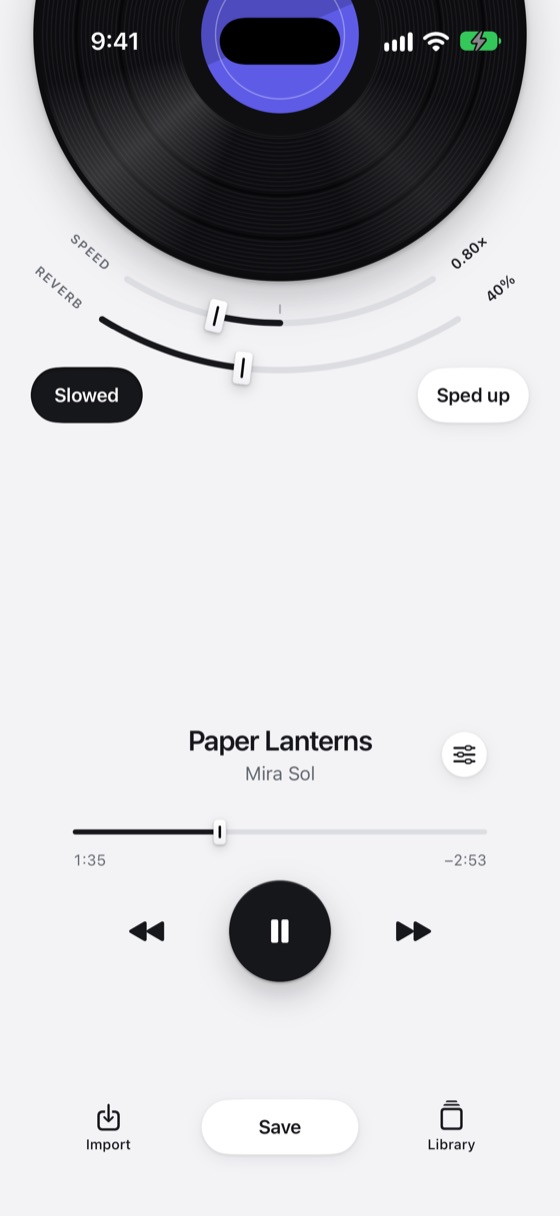
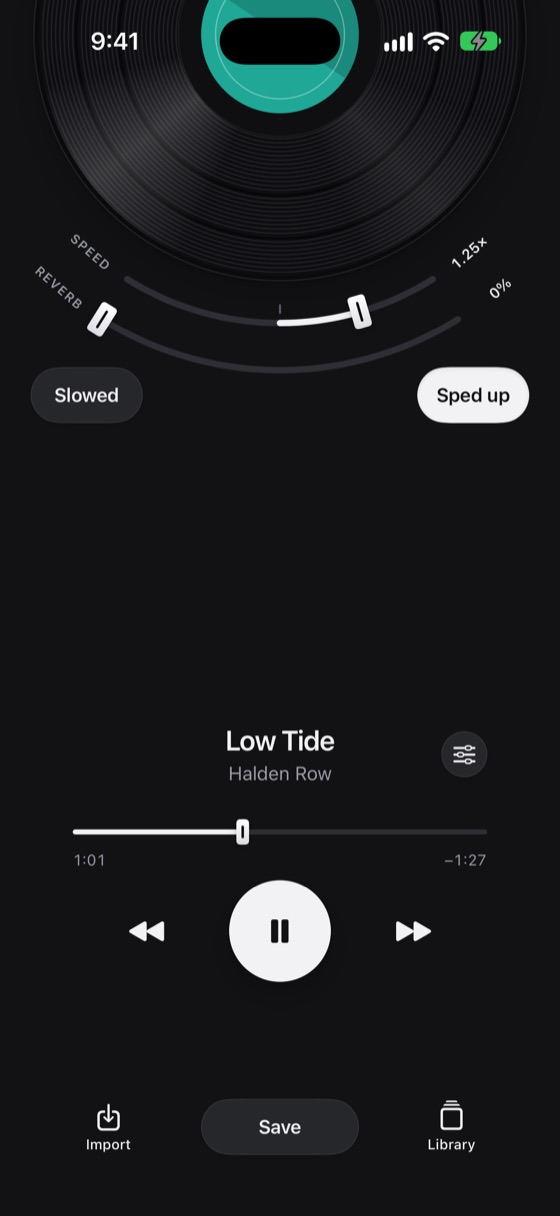
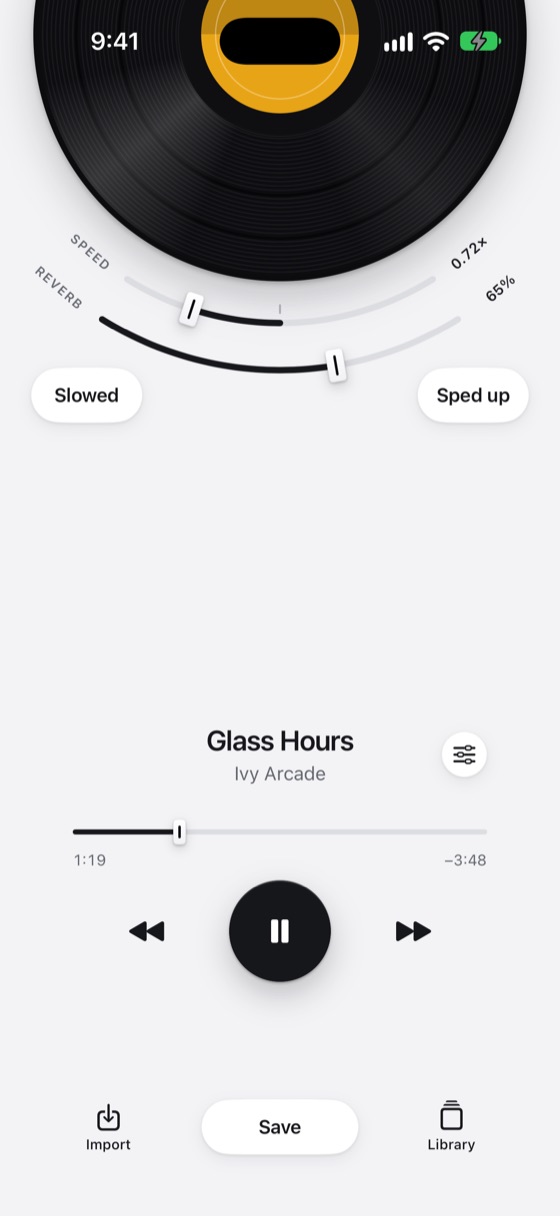
Pick a song from Files or your music library. Turn the Speed dial to slow it down or speed it up. Turn the Reverb dial to give it space. Tap Save. That is the whole app.
Screenshots
What it does
- Import audio from Files, iCloud Drive, or songs downloaded to your music library.
- Set the speed anywhere from 0.50× to 1.50×, and add reverb with a single dial.
- Tap Slowed or Sped up for a ready-made starting point, then adjust from there.
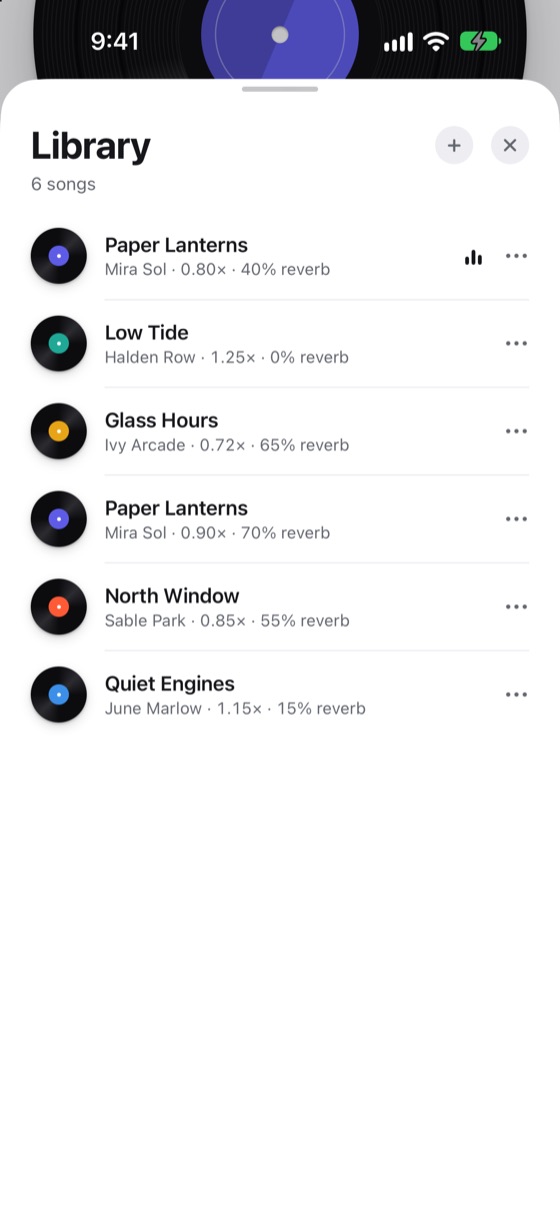
- Save each version to your Library, then reopen it and keep adjusting.
- Keep listening in the background and with the screen locked, with playback controls on the Lock Screen.
How it sounds
Most of the work went into the sound.
- Slowing a song the classic way, where the pitch drops with the speed, is done by resampling. It stays smooth, with no warble.
- The reverb is mixed in alongside the song, and the overall loudness stays steady as you turn it up.
- A limiter on the output keeps loud songs from clipping.
- Every change follows your finger while the song plays.
Free, with one purchase for Pro
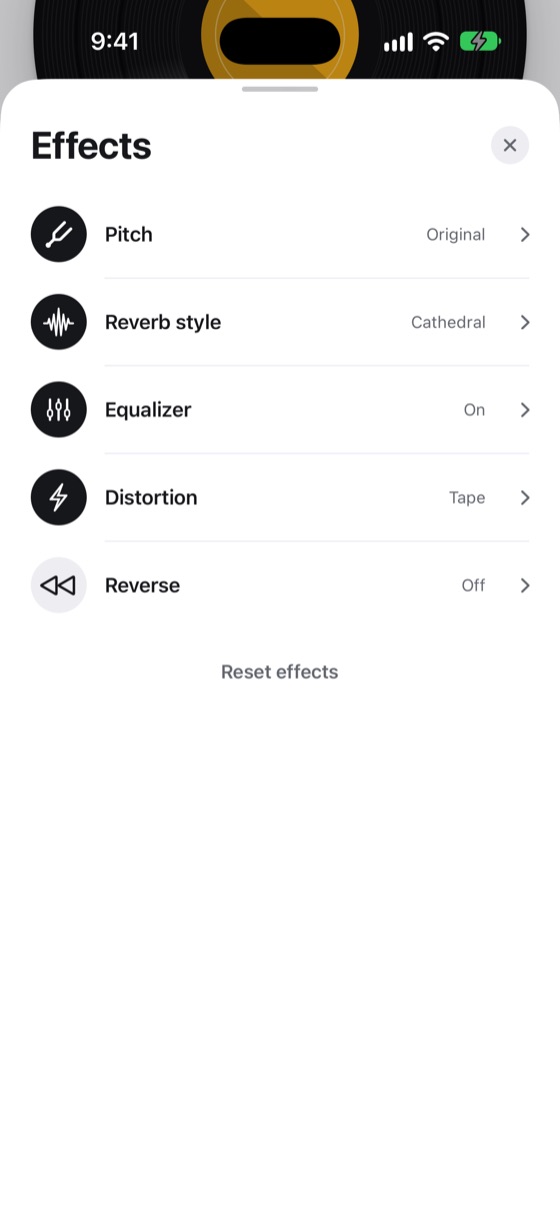
Importing, both dials, the two presets, playback, saving and the Library are free. Pro is a single $2.99 purchase that you keep. There is no subscription. It unlocks the Effects sheet and export:
- Pitch — keep the original pitch while you change the speed, or shift it by up to 12 semitones either way.
- Reverb styles — Room, Plate, Chamber and Cathedral, alongside the standard Hall.
- Equalizer — bass, mid and treble.
- Distortion — Tape, Tube and Bitcrush, each with drive and tone.
- Reverse — play the song backwards.
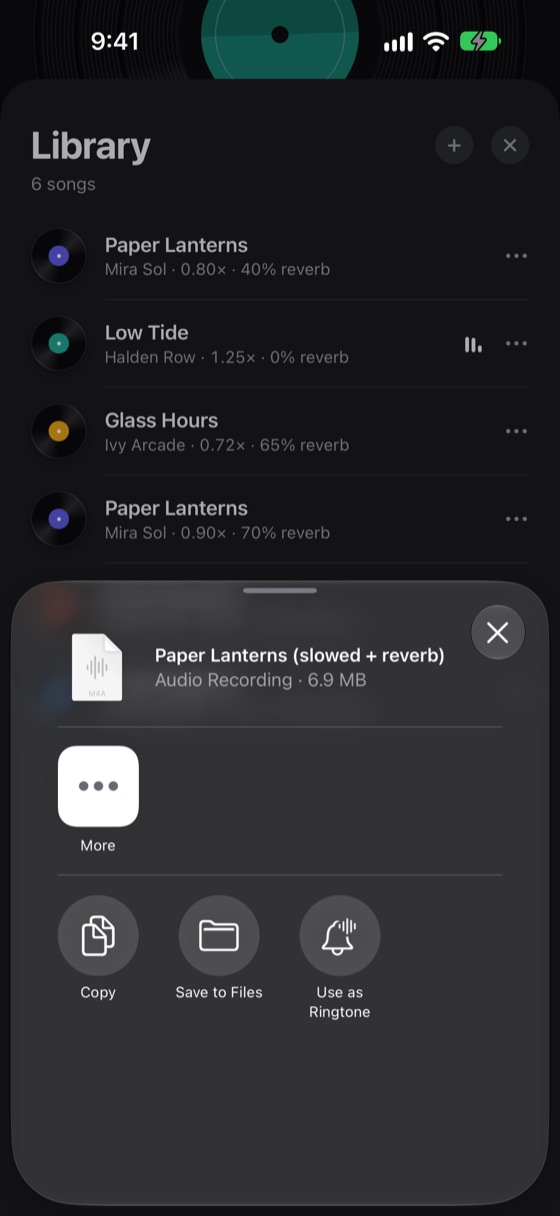
- Export — save your version as an audio file (AAC, .m4a) to share or keep in Files.
Private
No account, no ads and no tracking. The app collects no data and has no servers. Your songs stay in the app on your iPhone.
Bring your own music
The app does not come with music. Songs from a streaming subscription, including Apple Music, are copy-protected and can’t be imported. Songs you bought or added as files work. Please only use music you have the right to use.
For iPhone. Requires iOS 27 or later.
Pages